
3 Patti Crown APK Download: What the File Is and How to Install It
The 3 Patti Crown APK is the Android installer for our app, distributed here rather than through Google Play. The current build is v1.47, 38.9 MB, requiring Android 5.0 or later. Installing takes about quickly and involves one Android security warning, which is standard for any app installed outside the Play Store.
This is the official download for 3 Patti Crown, published by 3 Patti Games. Check the file size and version below against what you download. 18+ only.
18+ only
You play this app with real money and you can lose what you add to it. Most people lose more than they win over time. Deciding what you will spend
Download 3 Patti Crown APK (38.9 MB)
File details
| Current version | v1.47 |
|---|---|
| File size | 38.9 MB |
| Package name | 3 patti crown |
| Minimum Android | Android 5.0 |
| Publisher | 3 Patti Games |
| Play Protect warning | Shown, as for every APK installed outside the Play Store |
| Available on Google Play | No |
| iOS version | None exists |
The publisher row is worth reading carefully. Several sites covering this app list a named individual as the developer. That name comes from a listing for a different app entirely and has no connection to this one. The publisher of 3 Patti Crown is 3 Patti Games.
Version history
| Version | File size | Released | What changed |
|---|---|---|---|
| v1.47 | 38.9 MB | see the app’s settings screen | Release notes are posted on the blog. |
Builds we have published before this one, and why you might want one, are on previous 3 Patti Crown versions.
How to install the 3 Patti Crown APK
Before you start
Check three things. You need Android 5.0 or later, at least 38.9 MB free plus room for app data, and a connection stable enough not to drop the download partway. Charge the phone; a failed install halfway through is usually a dead battery or a dropped connection rather than a bad file.
The steps
- Open this page on your phone Use your phone’s browser. Not a file-sharing site, not a link forwarded in a group chat.
- Tap the download button The file is 38.9 MB, so on a normal mobile connection this takes under a minute.
- Open the file Open it from your notification shade or your Downloads folder.
- Allow installs from this source Android blocks the install and offers a settings shortcut. Grant the permission to the browser you downloaded with, then press back.
- Read the Play Protect warning Android will say it does not recognise the developer. That appears for every app installed outside the Play Store.
- Check the permissions Read the permissions the app requests before accepting them.
- Open the app and register Registration is where the PKR 111 sign-up credit is triggered.
Where the “unknown sources” setting lives
Android moved this setting, so the path depends on your version:
| Android version | Path |
|---|---|
| Android 8 through 13 | Settings → Apps → Special access → Install unknown apps → your browser → Allow |
| Android 14 and 15 | Settings → Apps → Special app access → Install unknown apps → your browser → Allow |
| Older than Android 8 | Settings → Security → Unknown sources → On |
The permission attaches to the app you downloaded with, not to the APK. If you downloaded in Chrome, you grant it to Chrome.
What the Play Protect warning means
Android shows a warning because Google has not reviewed this app and does not recognise its developer. That warning is about identity, not about malware. It appears for every app installed outside the Play Store, including entirely legitimate ones.
What it does mean is that three safety nets are absent: no Play Store review before publication, no Google-verified developer identity, and no Play refund process if something goes wrong with a payment.
The build published here is ours, and the file details above are how you confirm you have it rather than a repackaged copy. How to check the file you have walks through it.
Permissions the app requests
The app requests 5 permissions:
| Permission | What it is for |
|---|---|
| Internet | Connects to online game servers |
| Network state | Checks internet connection |
| Notifications | Sends game notifications |
| Install packages | Can relate to APK installation or update behaviour |
| Storage and files | Accesses files on the device |
Read these on the install prompt rather than tapping through. What each one actually gives the app, and which are worth pausing on, is covered on the permission list explained.
Installing on a computer
There is no Windows or Mac build, and we do not publish a .exe. The app can be run on a computer through an Android emulator, with real trade-offs: what actually works on PC covers them, and what to avoid.
Where not to download it from
The most common way people lose money with apps like this is not the app. It is a repackaged copy of it.
- “Mod APK”, “unlimited chips”, “hack version”. A modified build can carry anything, and the promised feature does not exist because the balance lives on our server, not on your phone.
- File-sharing and APK mirror sites. Even honest mirrors serve stale builds, and the dishonest ones repackage.
- Links forwarded in WhatsApp or Telegram groups. No way to know what you are getting.
If the file size or version you are offered does not match the table above, do not install it.
When the download or install fails
| Symptom | Cause | Fix |
|---|---|---|
| Download stops partway | Connection dropped, or storage full | Free up space, switch network, restart the download |
| “There was a problem parsing the package” | Incomplete file, or Android version too old | Re-download; confirm you are on Android 5.0 or later |
| “App not installed” | Older version still present, or a signature mismatch | Uninstall the old build first |
| Install button greyed out | Unknown-sources permission not granted | See the settings table above |
| Play Protect blocks it entirely | Device policy, or a managed profile | Expected on work-managed phones. It cannot be overridden on those. |
After installing
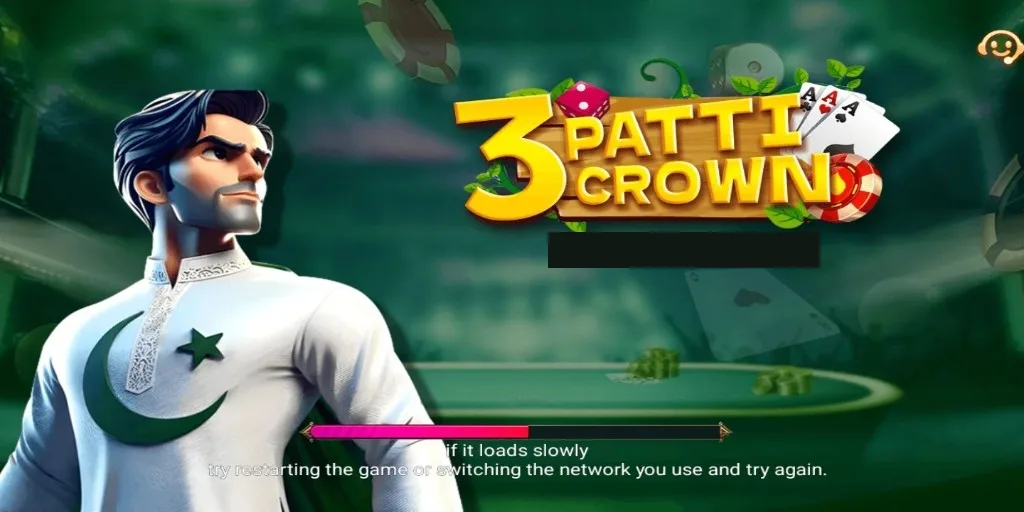
Registration is the next step, and it is where the PKR 111 sign-up credit is triggered. See how to create an account for the screens involved, and the bonus terms in full for the full terms, published before you claim rather than after. Anything that goes wrong on the way is in common problems and fixes.
Before adding money, read withdrawal limits and processing times, because the money-out side is where the conditions are and we would rather you knew them first. If you want to decide a spending limit before you start, how to set a spending limit covers it.
Frequently asked questions
Is the 3 Patti Crown APK safe to download?
The build published here is ours; match the file size and version above and you can confirm you have it. Android still warns you because it does not recognise developers outside the Play Store, which is not a malware detection. The real risk is a repackaged copy from a mirror or a "mod" link, which is someone else’s code.
What is the latest 3 Patti Crown version?
v1.47, published see the app’s settings screen. Other sites covering this app list conflicting numbers because none of them has the build. You can confirm the version in the app’s own settings screen after installing.
Why is 3 Patti Crown not on the Play Store?
Google Play restricts apps that take real-money stakes to a small list of licensed operators in approved countries. Pakistan is not among them, so apps in this category distribute as APK files instead.
Can I install 3 Patti Crown on an iPhone?
No. There is no iOS build. Anything advertising one is not this app.
How much space does 3 Patti Crown need?
The installer is 38.9 MB. Allow roughly double that in free space, because the app downloads game assets after the first launch.
Do I need to uninstall before updating?
Usually no. If the install fails with a signature or "app not installed" error, uninstall the old version first. You will not lose your account; it lives on our servers, not on the phone.
Everything else about the app is on our full 3 Patti Crown guide.
Page updated